
Boat management software
A working record of every boat you look after.
Start with the boat profile, then connect the records you use to run it. See recent service, paperwork, and maintenance across the boats you manage or focus on a single vessel.
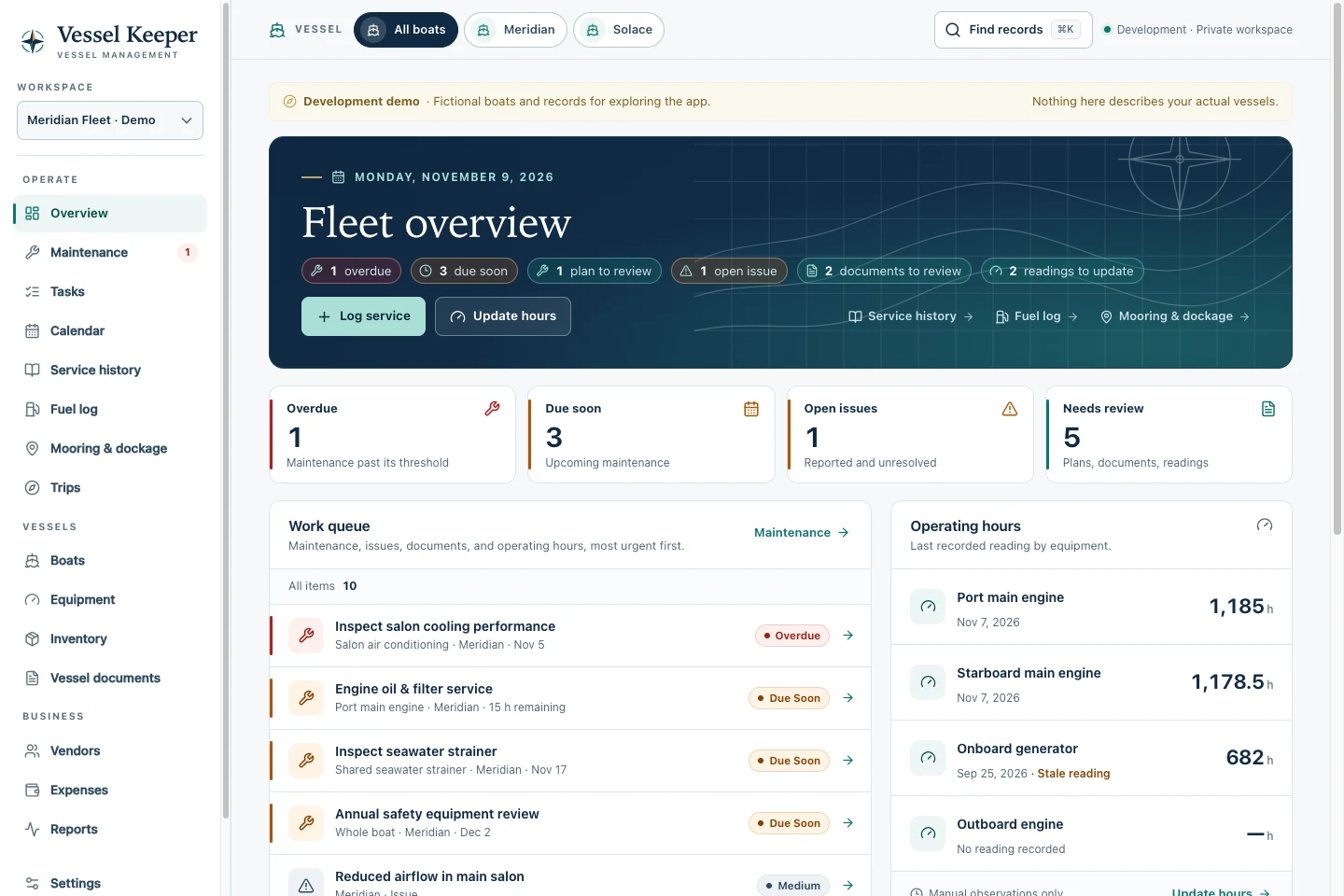
Vessel records
What it covers.
-
Find the details behind each vessel and system
Keep boat dimensions and specifications alongside installed equipment, serial numbers, manuals, warranty dates, and service history. Search the records your workspace access allows.
-
Know what was measured and when
Log tank levels as dated quantities or percentages and see the latest observation on a gauge. Keep fuel purchases in a separate log, and track parts stock by onboard or shore location.
-
Give people access to the boats they look after
Invite colleagues to the private workspace and grant access by boat. Use permission groups to distinguish operational edits and financial access.
Example workflow
Example workflow · Prepare for a yard visit
A vessel profile gives you a place to start when a technician asks about the equipment or the previous service.
- Open the boat’s equipment list to confirm the model, serial number, and recent readings.
- Find the relevant manual, parts records, and the last service entry.
- Add a punch list for the yard visit and record the completed work afterward.